Can I download a Claude conversation from claude.ai?
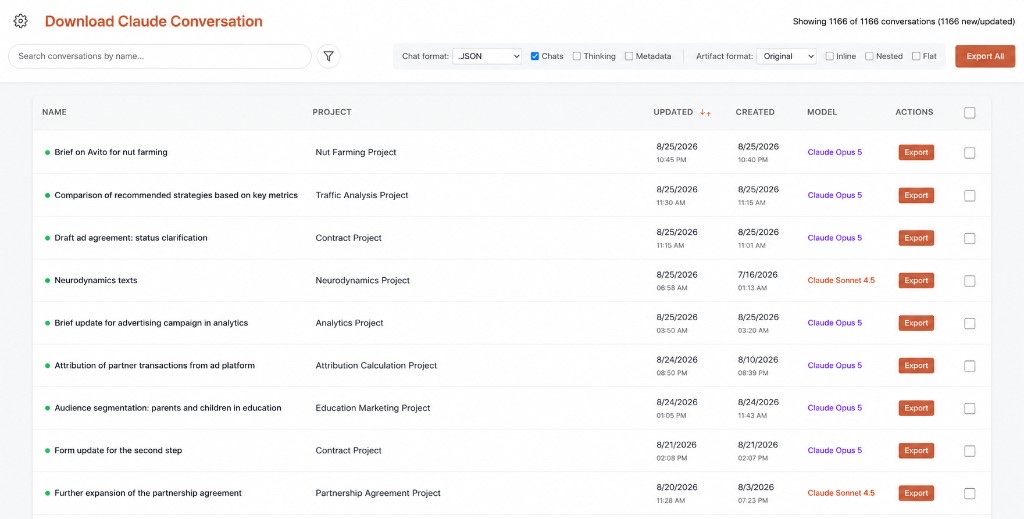
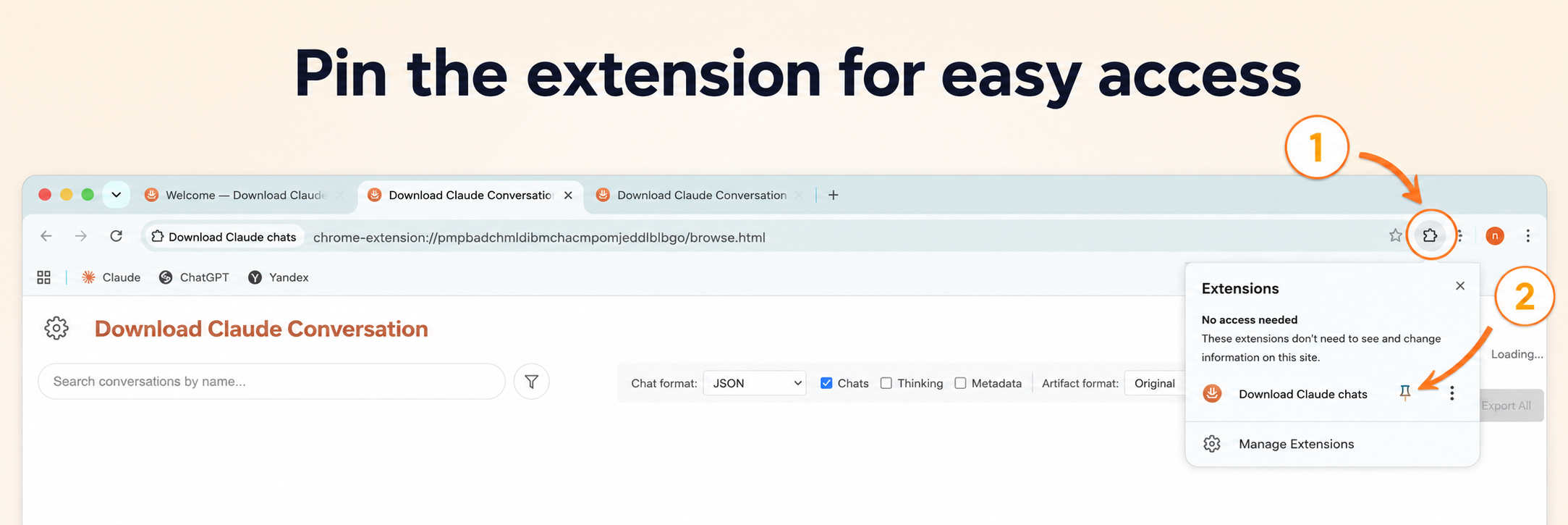
Not with a built-in button. Install Download Claude conversations from the Chrome Web Store, open the chat, and export a file.
Is it free to download Claude chats?
Yes. Markdown, plain text, JSON, XML, CSV, and PNG exports are unlimited and need no account. PDF and bulk ZIP exports ask for Google sign-in and are free up to 3 a day. Pro, at $3.99 a month or $26.99 a year, removes that cap.
Which browsers does it work in?
Desktop Chrome and Chromium-based browsers that install extensions from the Chrome Web Store. There is no mobile app, and it does not run inside Claude Desktop.
How do I cancel Pro, and can I get a refund?
Cancel any time from the extension’s Options page (“Cancel subscription”) or through Paddle. Your first payment has a 14-day money-back guarantee, no questions asked.
Is this the same as Claude’s Export data?
No. Anthropic’s Settings → Privacy → Export data emails a ZIP of your account (JSON). This extension downloads the current chat — or a bulk selection — as readable files right away.
Do you store my Claude chats?
No. Every format, PDF included, is built in your browser, and conversation text never reaches our servers. If you sign in with Google for PDF, bulk export, or Pro, we store that email only to count the daily allowance and attach your subscription.
What’s the difference between download Claude chat and claude download chat?
Same task, two ways of typing it. Use the orange button on claude.ai either way.
Does it export PDF?
Yes. Pick PDF in the export panel and set page size, margins, light or dark mode, font, page numbers, and a table of contents. PDF needs Google sign-in; the free plan includes 3 PDF or bulk exports a day, and Pro is unlimited. Full walkthrough: download a Claude chat as PDF.
Does it work with Claude Pro / Team?
Yes, if you can open the conversation in the browser on claude.ai. We are not Anthropic.
How do I save a Claude conversation?
Install the free Chrome extension, open the chat on claude.ai, click the orange button, pick a format, and click Export. No account is needed for Markdown, text, JSON, XML, CSV, or PNG. That is how to save a Claude conversation as a real file. Printing the page and Anthropic’s account ZIP are the other two options — comparison on how to download a Claude chat.
Does this download Claude Code conversations?
Only the ones on claude.ai. Claude Code on the web (claude.ai/code) and Cowork sessions export like any chat. Local terminal sessions are not read by the extension; they use /export or JSONL files on disk — see Claude Code export.
Is Download Claude conversations affiliated with Anthropic?
No. Claude is a trademark of Anthropic, PBC. This is an independent Chrome extension, not an official Anthropic product.

 Add to Chrome
 Works on claude.ai with Free, Pro, Team, and Enterprise plans — chats, Projects, and Cowork sessions, one thread or bulk history.